24 November 2026
How to Pick an OMR Scanner by Monthly Sheet Volume
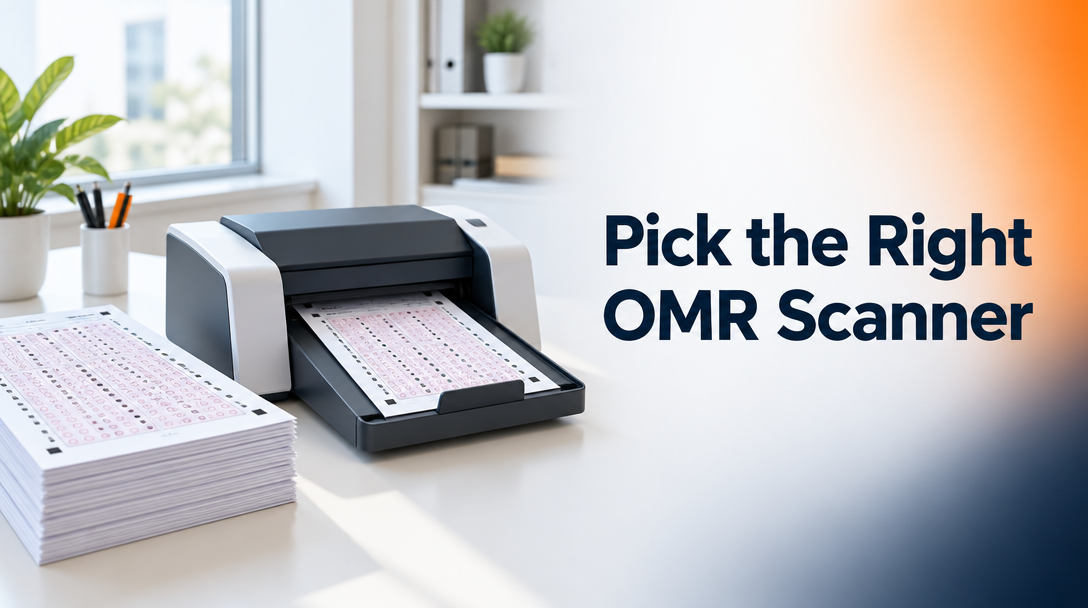
How to Pick an OMR Scanner by Monthly Sheet Volume
Choosing an OMR scanner starts with one number: how many answer sheets you process in a typical month, and how many you process in your busiest week. A scanner that suits a school's mid-term tests can be too slow for a university's end-semester exams, and a flagship machine can be wasted on a coaching institute that scans a few thousand sheets a month.
This guide explains how to match scanner speed to your workload, so you buy the capacity you need without overpaying.
Start with your peak load, not your average
Most institutions have a few heavy periods: exam weeks, admission tests or recruitment drives. Plan for the peak.
- Count the sheets you scan in your busiest exam cycle.
- Decide how many hours you can spend scanning in one session.
- Divide sheets by hours to find the throughput you need per hour.
Keep a margin for re-scans and rejected sheets. Sheets that need manual checking take extra time, whatever the scanner's rated speed.
Match the scanner to your volume
Sekonic scanners are rated in sheets per hour. Use these figures as a starting point:
- Small schools and coaching institutes: the SR-3500 Hybrid Scanner is a compact desktop unit for lower volumes. It also captures images, which helps with attendance and survey forms.
- Mid-volume exams: the SR-6000 and SR-6500 Scanners, rated at approximately 6,000 and 5,500 sheets per hour, suit steady processing across several batches. The SR-6500 Hybrid, rated up to 5,000 sheets per hour, adds image capture.
- Large universities and recruitment bodies: the SR-8000 Hybrid Scanner reads up to 8,000 sheets per hour, with bubbles, barcodes, photos and handwriting read in one pass. The SR-11000 Scanner, rated up to 11,000 sheets per hour, is built for large exams and national-level drives.
Check the rated speed against your peak load, then leave headroom for the unexpected.
Consider what else you need to capture
Speed is only part of the decision. Ask whether your forms contain:
- Barcodes or roll numbers that need to be read with the bubbles
- Photographs or signatures that must be captured
- Handwritten fields or descriptive answers
If yes, a hybrid model removes the need for a separate capture step. If your sheets only contain bubbles, a dedicated OMR reader may be the simpler choice.
Plan for the software and the sheets
A scanner is one part of the workflow. Before you buy, confirm:
- Software: the scanner should work with the evaluation software your team will use, such as Remark Office OMR, Optic View or Mark On Screen.
- Answer sheets: custom sheets designed for your scanner reduce read errors. OMR Solutions designs and security-prints answer sheets for exams and forms.
- Staffing: a faster scanner still needs an operator to load sheets, clear jams and check exceptions.
Next steps
Work out your peak monthly volume, then shortlist two scanners that cover it with headroom. Ask for a demonstration with a sample batch of your own sheets. Testing your actual forms is the most reliable way to confirm read accuracy and speed.
If you share your monthly volume and form type, OMR Solutions can recommend a scanner that fits your workload.