ISDOX · Users & permissions
Sensitive documents, visible only to the right people
Manage every account from one place and decide exactly what each role can do — down to a single folder or document.
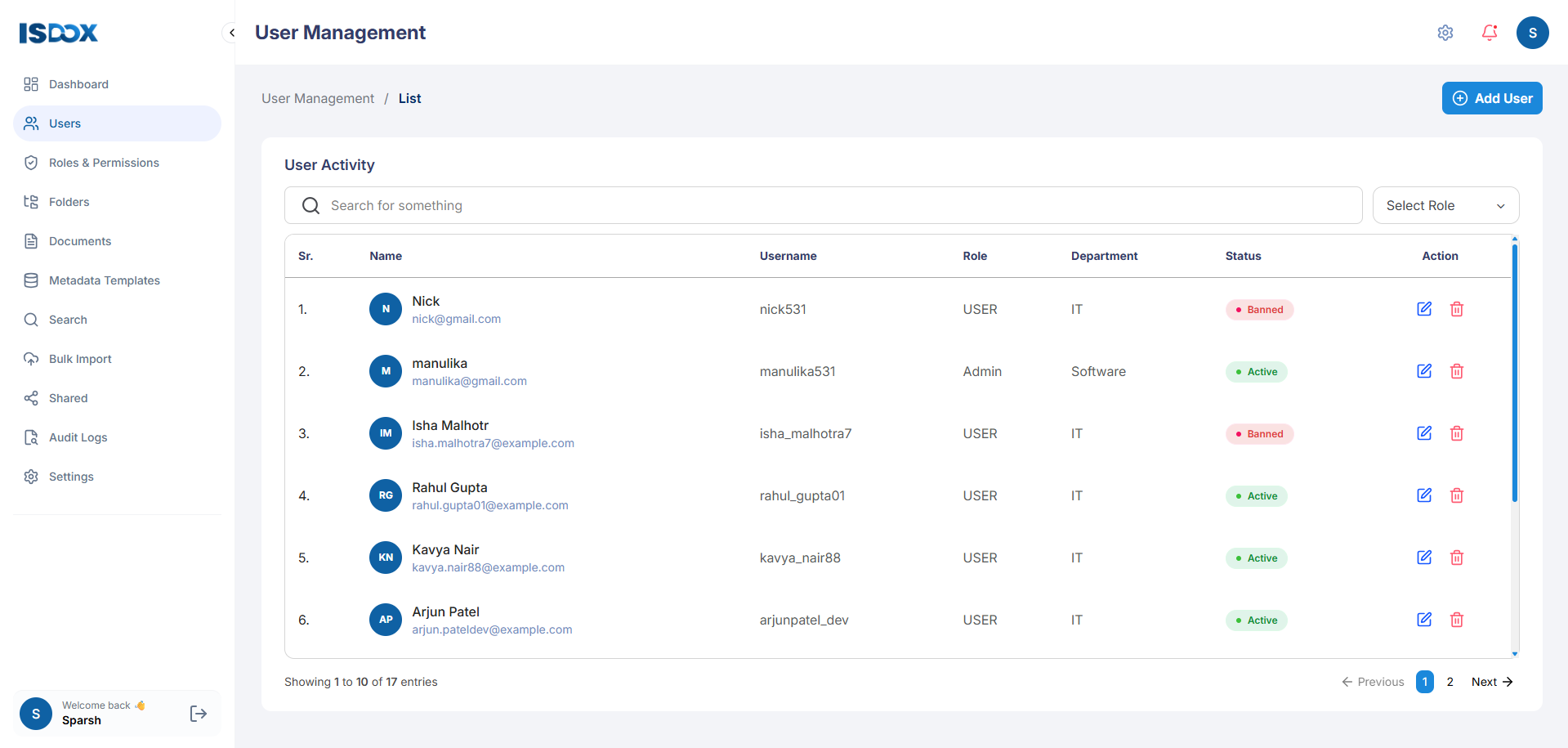
User management
Centralised control over every account on the platform
- 1Full user directory
Every user with role and department.
- 2Status at a glance
Active / banned status shown and managed in one place.
- 3Quick search & filters
Find users fast with role-based filtering.
- 4One-click changes
Edit or remove user access in a single click.
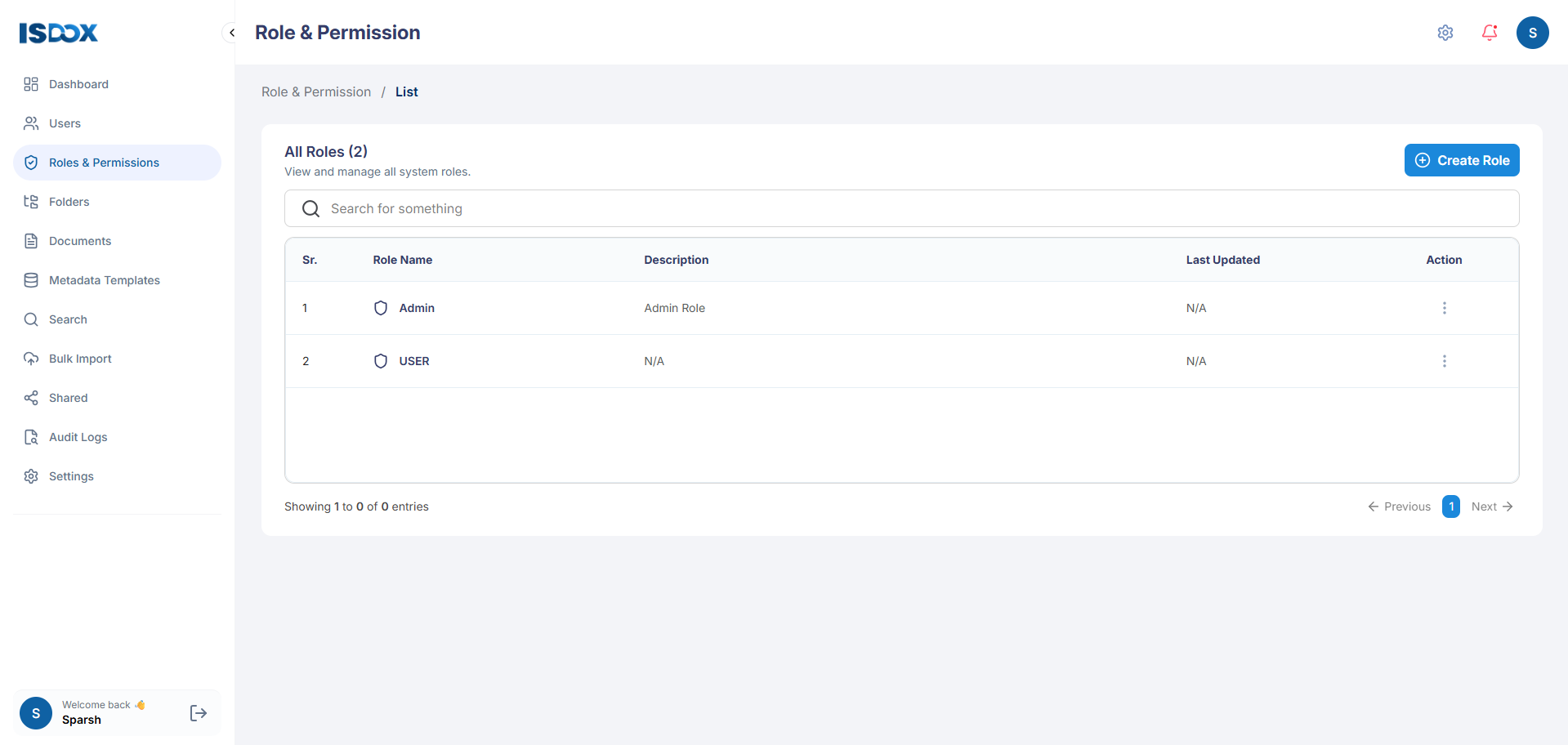
Roles & permissions
Precise, role-based access control across the system
- 1Custom roles
Admin, User and any role you define.
- 2Granular scope
Assign permissions at folder or document level.
- 3Five controls per role
View, Edit, Download, Print and Delete.
- 4Need-to-know access
Sensitive files stay visible only to the right people.
How it works
An example permission setup
Roles and their rights are fully configurable — this is one way a team might set them up.
| Role | View | Edit | Download | Delete | |
|---|---|---|---|---|---|
| Admin | |||||
| Editor | |||||
| User | |||||
| Viewer |
Let's bring ISDOX to your team
See your own folders, templates and permissions set up live in a 30-minute walkthrough.